Powerfull Features To Improve Your Business
Our vision is our destination; our mission is the journey. Both guide everything we do.
Contact US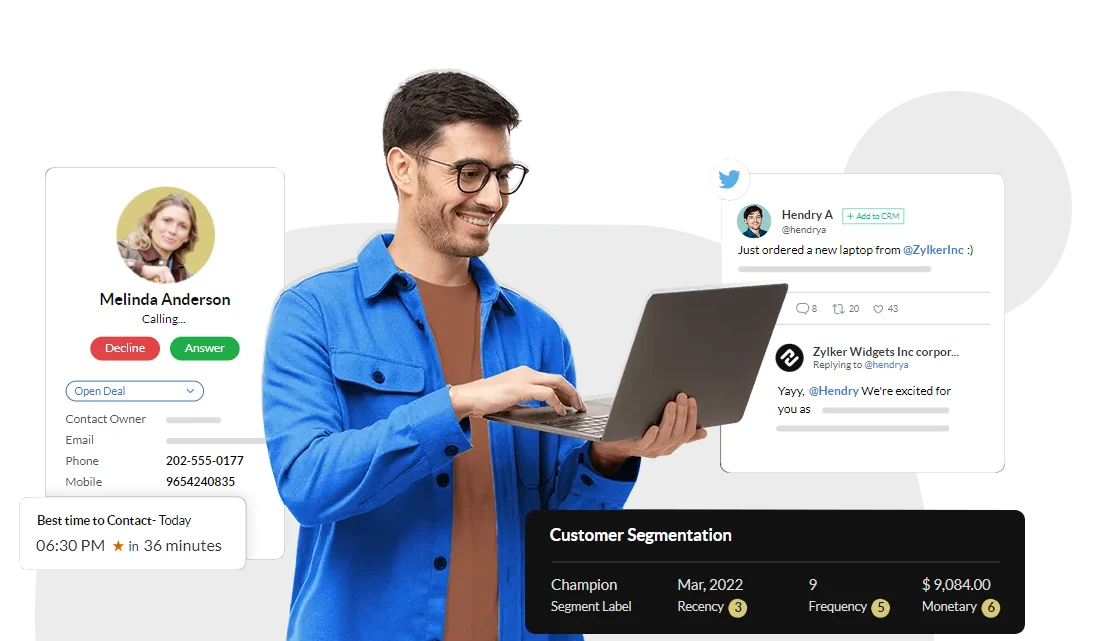

One platform for everything your business needs to grow
PugCRM comes packed with powerful features designed to make your sales team more productive and successful.
Leads Management
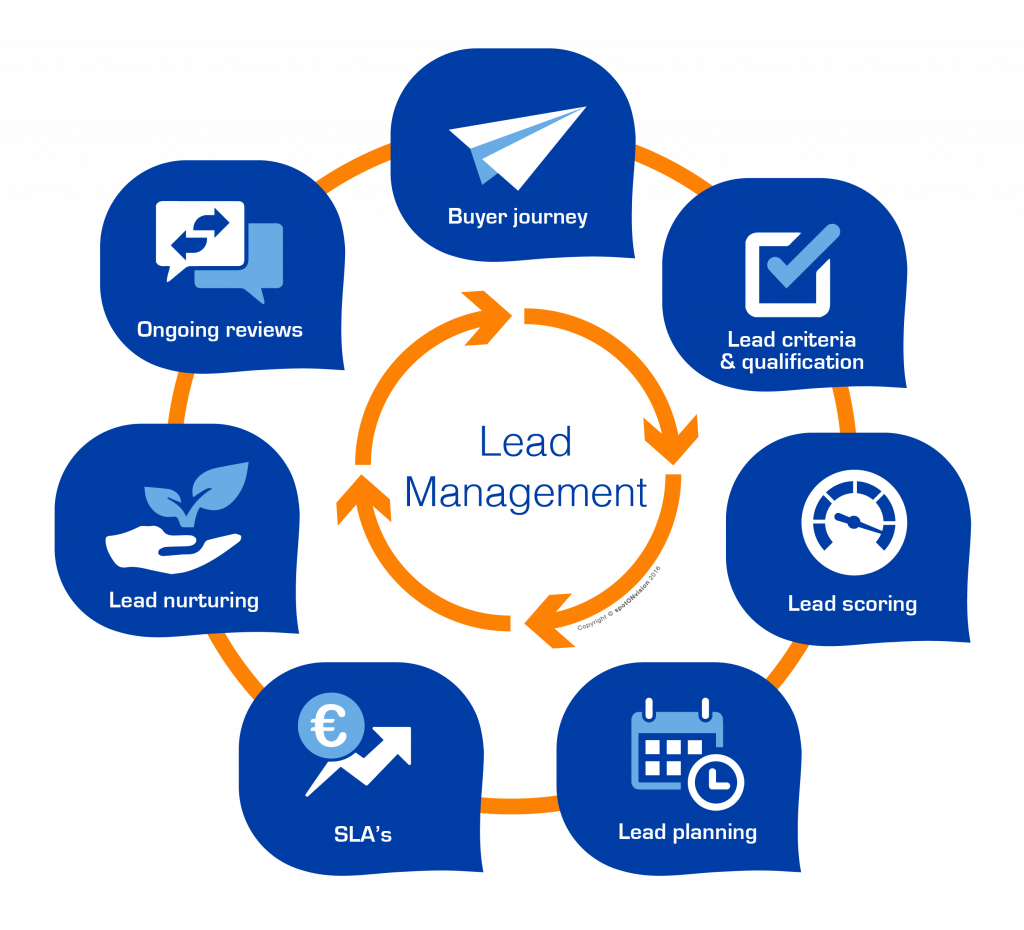
In PugCRM, a Lead represents an individual or business that has shown interest in your products or services but is not yet fully qualified. Leads are the foundation of your sales pipeline, and PugCRM helps you manage them with clarity, efficiency, and automation.
- Smart Lead Capture from websites, forms, social platforms, and email campaigns
- Prioritize leads based on their activities, engagement.
- 360° Lead Tracking including calls, emails, notes.
- Dynamic Lead Distributions.
- Use workflows to send follow-ups, reminders.
Contact Management
Manage all your customer and prospect information in one organized place with Contacts in Sales PugCRM. With smart insights and quick access to activities, notes, and follow-ups, you can build better relationships and close deals faster.
- Unified Contact Profile – Centralized info like phone, email, company, and address.
- Activity Timeline – View calls, meetings, emails, and notes in one place.
- Lead Source Tracking – Understand where contacts are coming from.
- Follow-up Reminders – Alerts for scheduled calls, tasks, or meetings.
- Role & Permission Control – Restrict visibility based on user access.
- Smart Search & Filters – Quickly find contacts using keywords and filters.


Company Management
The Company module in Sales PugCRM helps you manage all your business accounts in one place. Store essential company details, track connected contacts, monitor deals, and view every interaction linked to that organization.
- Linked Contacts & Deals – View all associated contacts, opportunities, and activities.
- Interaction History – Track calls, emails, meetings, and notes at the company level.
- Custom Fields – Add industry-specific fields to capture unique business data.
- Document Management – Attach proposals, agreements, and supporting documents.
- 360° Company Overview – Complete snapshot of contacts, deals, activities, and updates.
- Activity Reminders – Schedule follow-ups and get alerts for timely engagement.
Deal Management
The Deal module in Sales PugCRM helps you track every sales opportunity from first contact to final closure. Easily monitor deal stages, values, probability, and progress in a single view. With organized pipelines, activity tracking, and real-time updates, your sales team can stay focused, follow up on time, and close deals faster with complete visibility.
- Deal Pipeline View – Visual stage-wise representation of all opportunities.
- Custom Deal Stages – Define stages based on your sales process.
- Deal Value & Probability – Track expected revenue and closing chances.
- Activity Timeline – Calls, emails, meetings, tasks, and notes linked to the deal.
- Follow-up Reminders – Alerts for next actions to avoid missing opportunities.
- Deal History & Updates – Track every change in stage, amount, or status.
- Forecasting Support – Insights for predicting monthly/quarterly revenue.


Pipeline Management
The Pipeline in Sales PugCRM gives you a clear, visual view of your entire sales process. Track every deal across stages, identify bottlenecks, and forecast revenue with confidence.
- Visual Kanban View – Stage-wise board for easy deal tracking.
- Drag & Drop Deals – Move deals between stages instantly.
- Customizable Stages – Create stages tailored to your sales cycle.
- Multiple Pipelines – Separate pipelines for different teams or products.
- Revenue Forecasting – Predict sales based on deal value and stage probability.
- Color-Coded Status Indicators – Highlight stalled, overdue, or hot deals.
Quotations
The Quotation module in Sales PugCRM helps you create professional proposals in minutes. Add products, pricing, taxes, and discounts with ease, and generate clean, customer-ready quotations instantly.
- 1. Quick Quotation Creation – Add items, pricing, taxes, and discounts easily.
- Pre-built Templates – Ready-made designs for clean, consistent proposals.
- Custom Fields & Branding – Add company logo, terms, notes, and custom sections.
- Quotation Status Tracking – Draft, Sent, Viewed, Approved, Rejected.
- Attach to Deals & Contacts – Link quotations to deals, companies, and contacts.
- PDF Export & Sharing – Download or send customer-ready PDFs instantly.
- Review & Approval Workflow – Internal approval before sending to customers.

Ready to Get Started?
It only takes a few clicks to get started
Get StartedFree for 14 days, no charges apply.

Sales Order
The Sales Order module in Sales PugCRM streamlines the process from customer approval to order fulfillment. Easily convert approved quotations into sales orders, manage product details, pricing, and delivery timelines, and keep track of every stage of the order lifecycle.
- Quotation-to-Order Conversion – Instantly convert approved quotations into sales orders.
- Order Status Tracking – Draft, Confirmed, In Process, Completed, Cancelled.
- Custom Fields & Terms – Add delivery terms, payment conditions, and internal notes.
- Document Export – Generate and share PDF sales orders with customers.
- Linked Records – Connect sales orders with deals, quotations, contacts, and companies.
- Approval Workflow – Internal review and approval before processing.
- Order History & Versioning – Track changes and maintain a clean audit trail.
Books
The Books module in Sales PugCRM helps you keep all your financial records organized in one place. Easily track invoices, payments, expenses, and outstanding balances with complete accuracy.
- Invoice Management – Create, send, and track customer invoices.
- Payment Tracking – Record received payments and view pending balances.
- Expense Management – Add and categorize business expenses.
- Tax Handling – Auto-calculate GST, VAT, or other applicable taxes.
- Financial Reports – Revenue reports, outstanding summaries, and payment history.
- Customer Ledger – Full financial history for every contact or company.
- Recurring Invoices – Automate billing for subscription-based services.
- Credit Notes & Adjustments – Manage refunds or billing correction.
- Integration with Sales Modules – Connect invoices to deals, quotations, and sales orders.
- Multi-Currency Support – Handle international billing with ease.

Projects Management
The Project module in Sales PugCRM helps you manage all client work from start to finish. Create projects, assign tasks, set deadlines, and track progress—all in one organized workspace.
- Project Creation & Overview – Define project scope, start/end dates, and goals.
- Task Management – Add tasks, assign owners, set priorities, and track status.
- Project Timeline/Stages – Visual progress tracking through milestones or stages.
- Team Collaboration – Notes, comments, and updates shared within the project.
- File & Document Storage – Upload project-related documents and references.
- Project Status Tracking – Active, On Hold, Completed, or Cancelled.
- Notifications & Reminders – Alerts for upcoming deadlines or overdue tasks.
- Project Reports – Progress summaries, workload reports, and project metrics.
WorkFlow
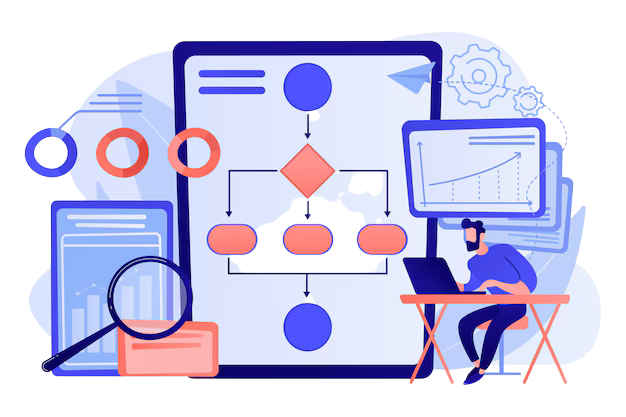
The Workflow module in Sales PugCRM helps you automate repetitive tasks and create smooth, consistent processes across your sales cycle. From sending follow-up emails to updating deal stages automatically, Workflows save time, reduce human errors, and ensure your team stays aligned. With smart triggers and rules, you can focus more on selling and less on manual work.
- Trigger-Based Automation – Run actions when conditions are met.
- Multi-Step Workflows – Chain multiple actions together for complex processes.
- Auto Email & SMS Alerts – Send reminders, notifications, and follow-up messages automatically.
- Field Updates – Update deal stages, statuses, or contact fields automatically.
- Task Creation – Auto-generate tasks for team members when milestones occur.
- Time-Based Automation – Schedule actions to run after hours, days, or specific dates.

Automation
The Automation module in Sales PugCRM helps you streamline your entire sales process by reducing manual work and improving efficiency. From lead assignment to follow-up reminders and data updates, Automation ensures every task happens at the right time without human intervention.
- Auto Lead Assignment – Distribute leads automatically based on rules, geography, or workload.
- Automatic Follow-Up Reminders – Trigger alerts and reminders for calls, tasks, and meetings.
- Auto Field Updates – Update deal stages, statuses, or contact details based on conditions.
- Email & SMS Automation – Send welcome messages, follow-ups, and notifications automatically.
- Time-Based Triggers – Execute actions after minutes, hours, or days.
Campaigning
The Campaigning module in Sales PugCRM helps you plan, run, and track marketing campaigns effortlessly. Whether it's email, SMS, or targeted outreach, you can manage everything from one place.
- Multi-Channel Campaigns – Run Email, SMS, and WhatsApp campaigns from one dashboard.
- Audience Segmentation – Target specific groups using tags, behavior, or filters.
- Template Library – Use pre-designed email and SMS templates for quick campaigns.
- Scheduling & Automation – Schedule messages or trigger campaigns automatically.
- Performance Analytics – Track opens, clicks, responses, conversions, and ROI.
- Lead Capture Integration – Connect forms, landing pages, or lead sources directly to campaigns.

Integration
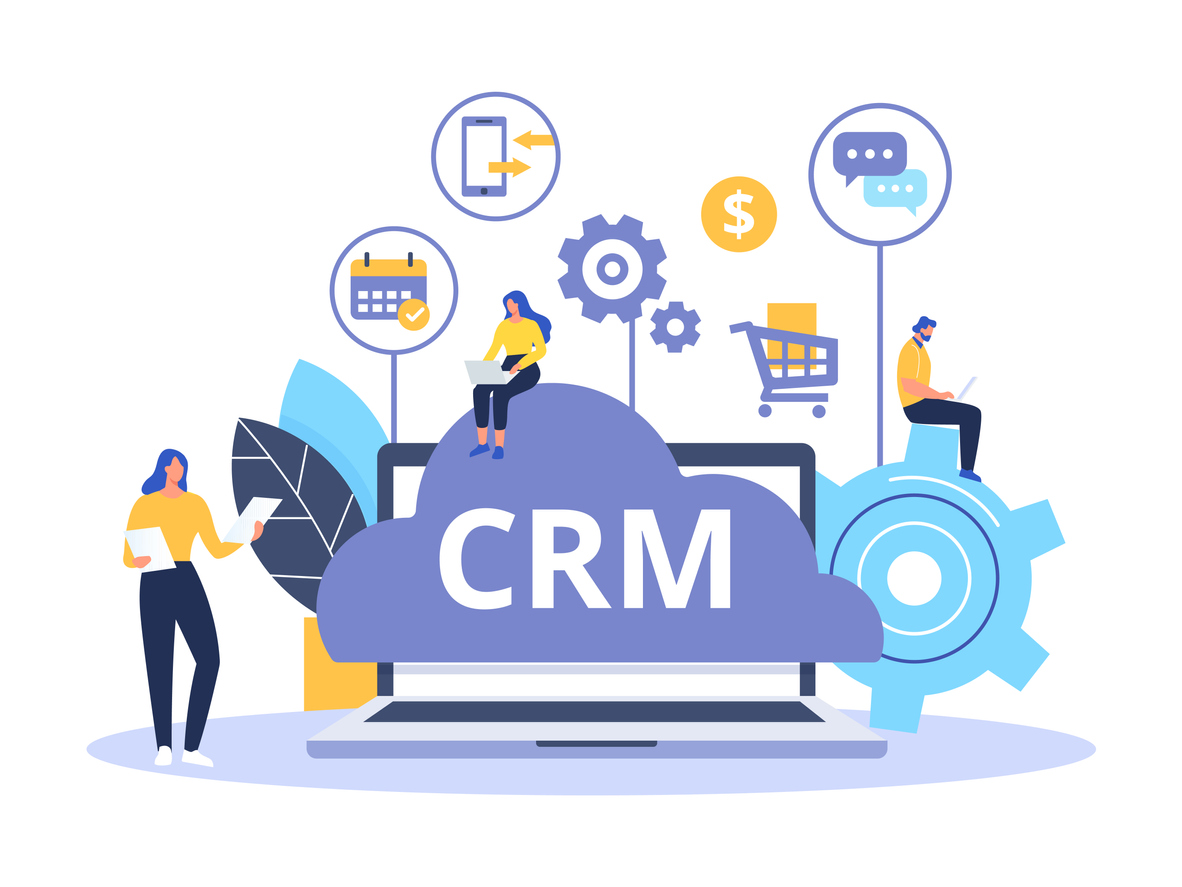
Sales PugCRM makes it easy to connect your favorite social media platforms directly to your sales system. Automatically capture leads from Facebook, Instagram, and LinkedIn, track customer interactions, and manage inquiries—all from one dashboard.
- Social Media Lead Capture – Auto-fetch leads from Facebook, Instagram, LinkedIn, and ads.
- Real-Time Syncing – Instant updates between CRM and connected platforms.
- Unified Inbox – Manage social messages, comments, and inquiries in one place.
- Social Engagement Tracking – Track likes, comments, and interactions linked to contacts.
- Performance Analytics – Track opens, clicks, responses, conversions, and ROI.
- Ad Campaign Integration – Pull in ad leads, campaigns, and insights directly into the CRM.